By 7Agi Consulting

Every guest's forgotten item, accounted for.

Trove is the register for property left behind: what was found, where it is now, who claimed it, who it was handed to — and what happened when nobody came.

Running on a live property · Works on any phone, no install

trove.app/inventory
TROVE
Front Office
MANAGER
DashboardInventoryEnquiriesHandoversReportsActivityUsersSettings

Inventory

38 records · 4 need attention
Log found item
Found · 24 Claim open · 6 Expiring soon · 3 Disposal due · 2
LF-2026-0412
Silver wristwatch
Room 1204 · Bin C-07
High value164 days left
LF-2026-0409
Passport wallet
Lobby · Bin A-02
Claim openEnquiry linked
LF-2026-0398
Prescription glasses
Restaurant · Bin B-04
Expiring soon9 days left
LF-2026-0341
Phone charger
Pool deck · Bin D-01
Disposal dueAwaiting approval
8
Modules, one sign-in
3
Permission levels
<60s
To log an item
100%
Actions on the record
The problem

Lost items still run on paper

Most properties handle this the same fragile way — and it shows the moment a guest calls back, or an auditor asks.

01

No record

A notebook with no photos and no timestamps. Nothing to search when a guest calls three weeks after checkout.

02

No audit trail

If a claim is disputed there is nothing to show who received the item, when, or how the person was verified.

03

No disposal policy

Storage fills with unclaimed property indefinitely, because there is no defensible point at which to let it go.

04

No handover proof

Valuables passed to the authorities leave with a signature on a page nobody can find a year later.

How it works

One system, three stages

Built around the way hotel teams already work — Housekeeping logs, Front Office claims, management oversees what leaves.

01Housekeeping · Log

In the system before it leaves the floor

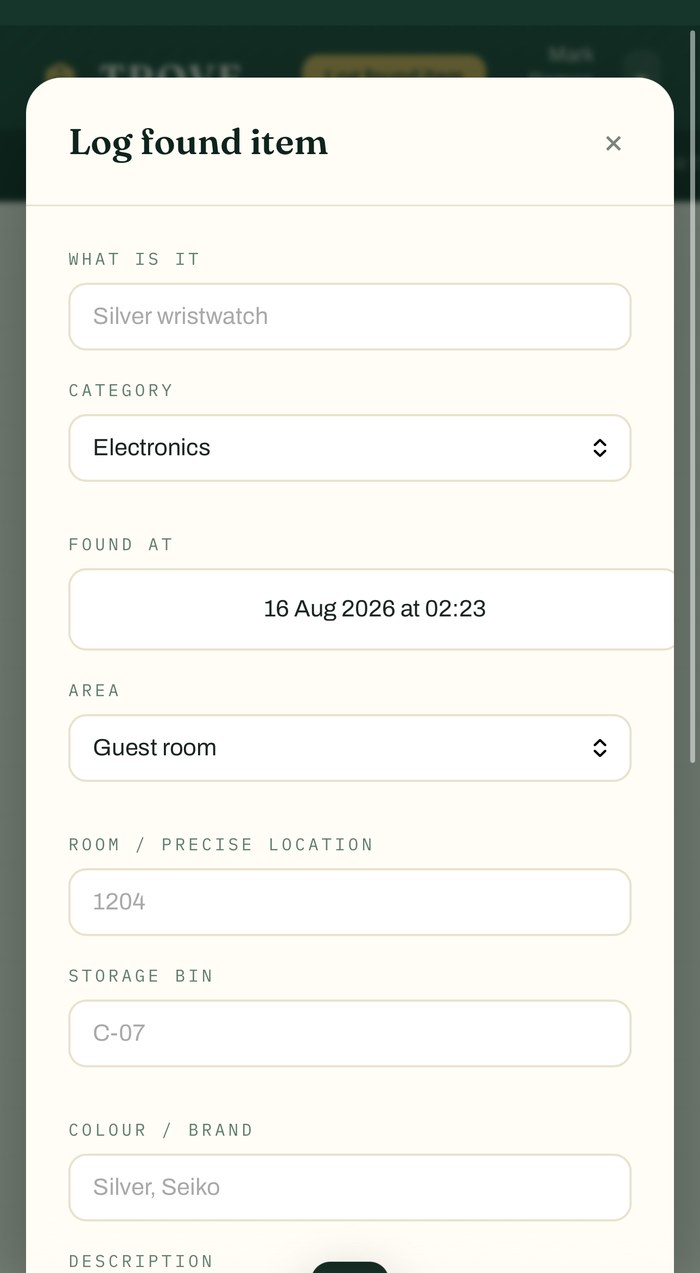
Photograph it, pick a category and an area, choose a bin. The item gets a reference and a retention clock the moment it is saved.

  • Photo evidence attached to the record
  • Nine categories, nine areas, your own bins
  • Printable tag with a QR to the record
02Front Office · Claim

Every claim recorded, start to finish

Match a guest enquiry to an item, record how the person was verified, and capture the release — to the guest directly, or to the colleague collecting on their behalf.

  • Enquiry, item and release stay linked
  • Claim evidence cannot be rewritten later
  • Released via Concierge or Housekeeping is recorded as such
03Management · Close out

Nothing leaves without a decision

Retention runs per category. When the clock is up the item is flagged for review — approved for disposal, or recorded as a handover to an authority against their own reference.

  • Disposal needs a manager, never a default
  • Handovers must name the authority's reference
  • Printable manifest and CSV export of the register
What's inside

Eight modules, one sign-in

The whole lifecycle of an item, from the moment it is found to the day it leaves the property.

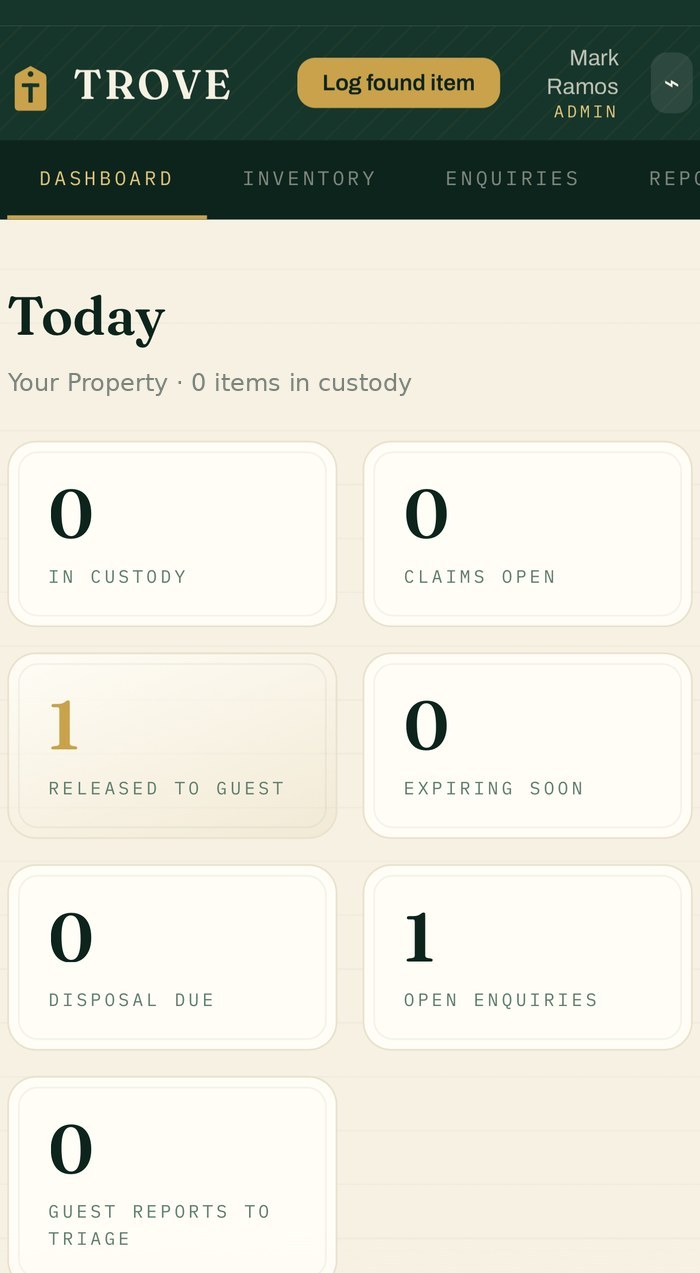
Dashboard

Today's activity and everything that needs a decision — claims open, expiring soon, disposal due.

The morning check
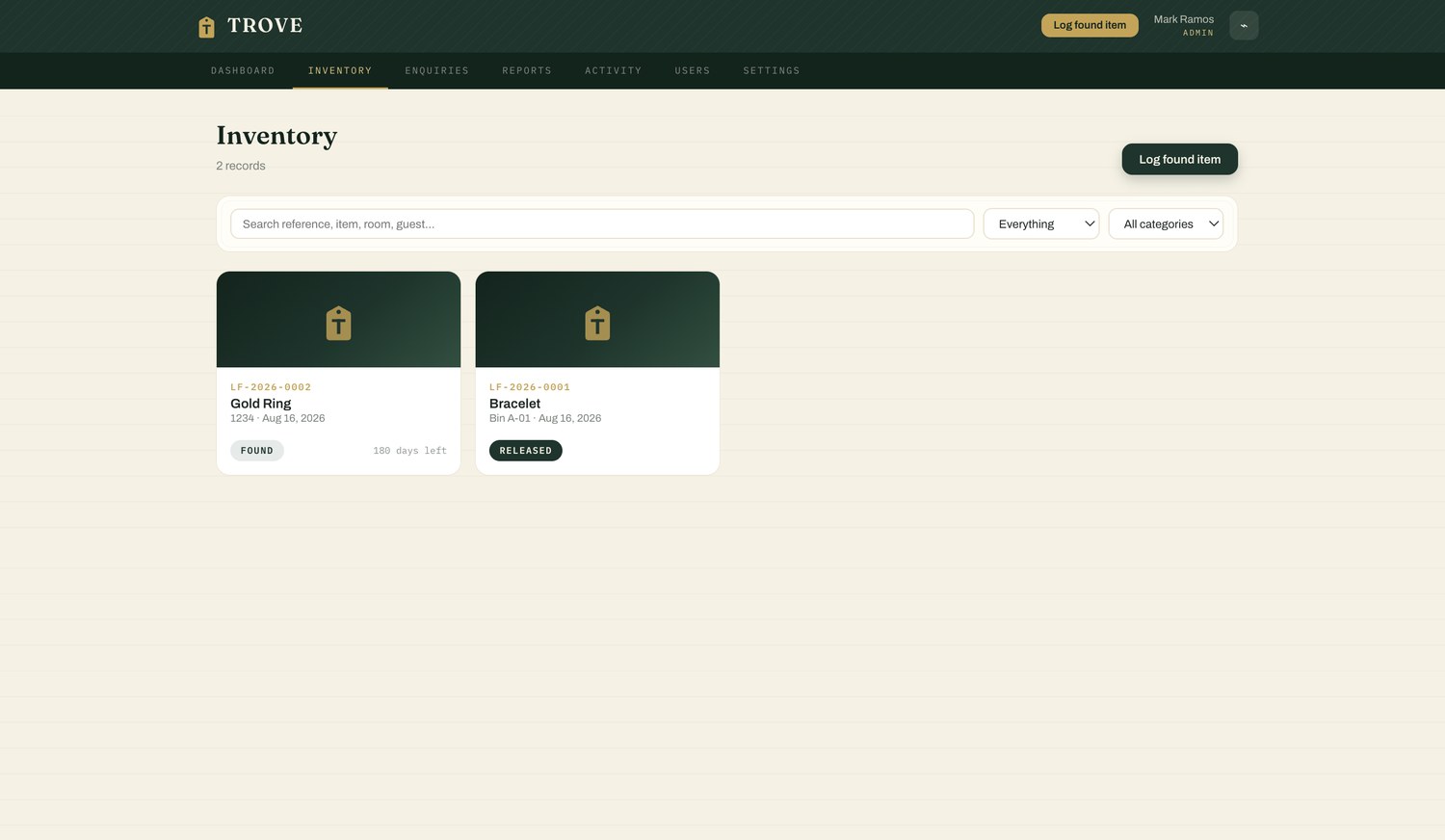
Inventory

Every item with photo, reference, bin, category and days remaining. Searchable by reference, room or guest.

The register
Enquiries

Guests asking after something they left. Log one at the desk or accept one from the public form, then link it to an item.

Before the match
Handovers

Items passed to an authority, recorded against their own reference number, with a manifest you can print and file.

Chain of custody
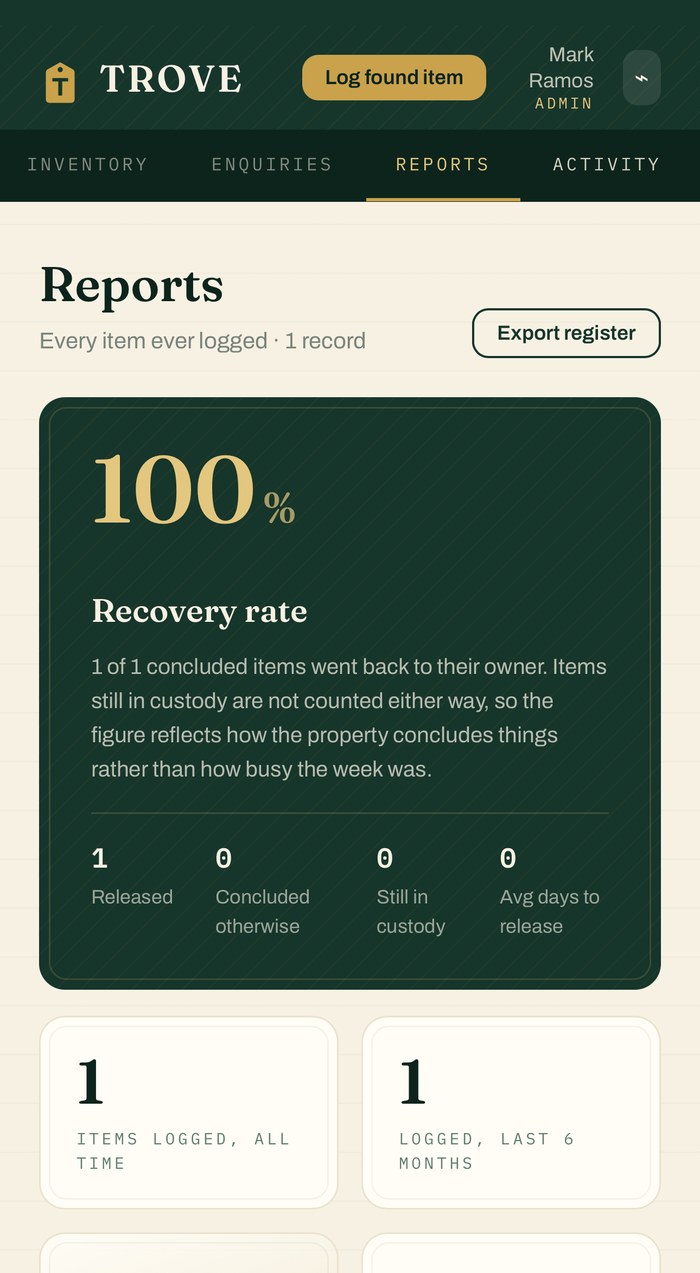
Reports

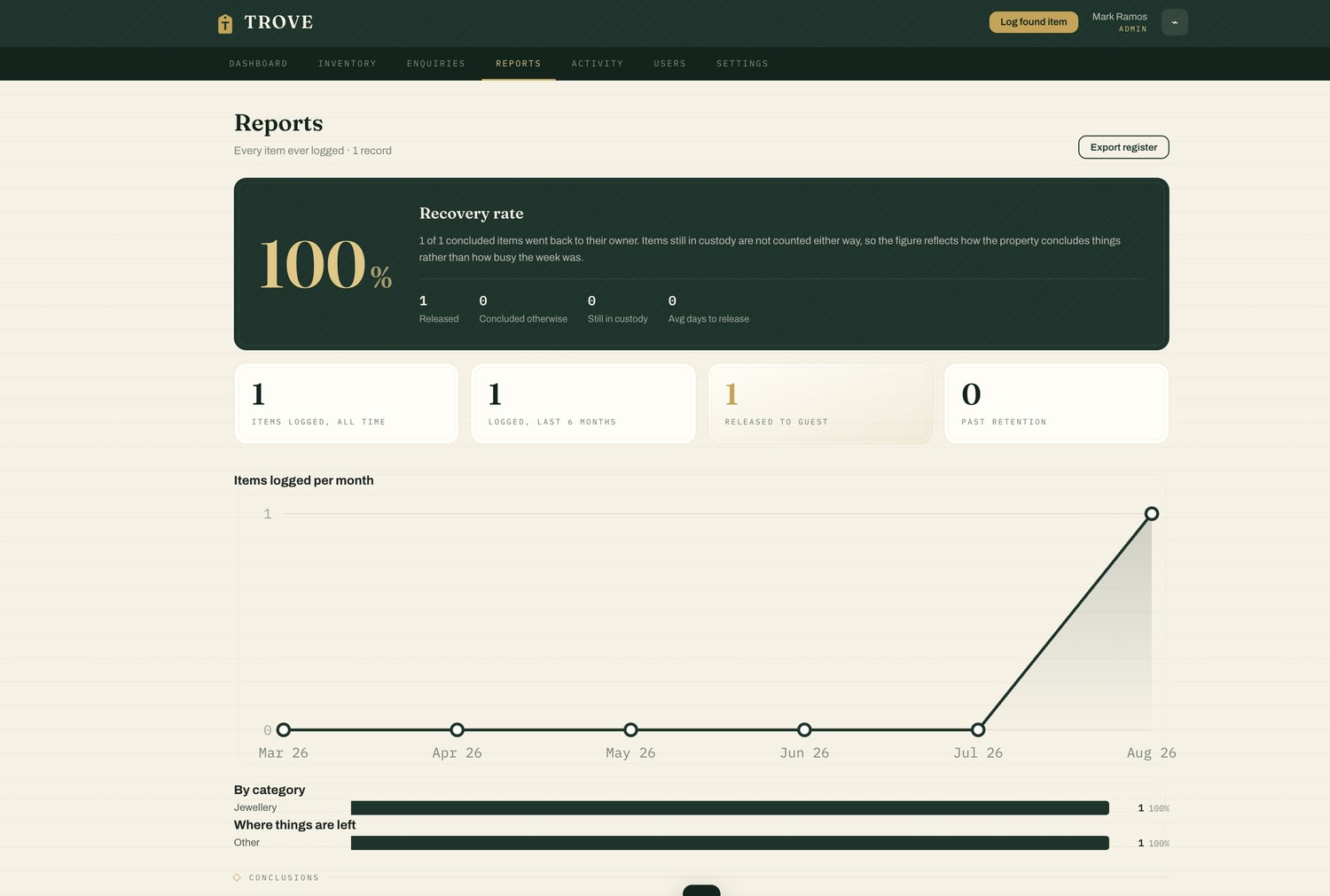
Recovery rate, volumes by area and category, what is ageing. Exportable as CSV whenever it is asked for.

What the register says
Activity

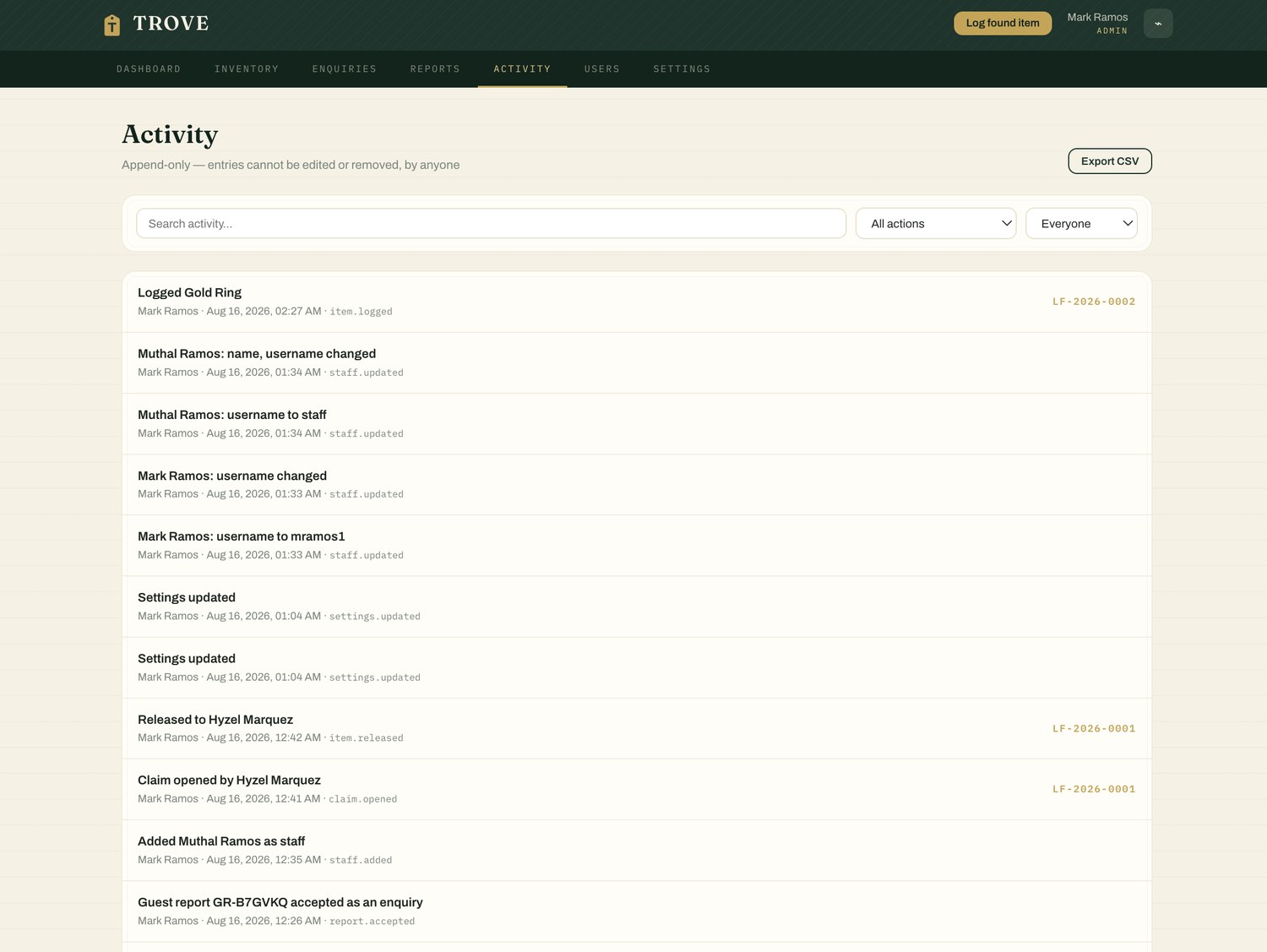
Who did what, and when. Every log, claim, release, disposal and settings change carries the name of the person who made it.

The answer to "who?"
Users

The roster. Add a person, set their role, deactivate them when they leave — their history on the register stays intact.

Who gets in
Settings

Retention categories, storage bins, areas, the departments that collect on a guest's behalf, and the authorities you hand over to.

Your property's rules
Two details that change the day

The shelf and the guest, both connected

Most of lost & found is not the software. It is the walk to the storage room, and the call that comes in a week late.

Printable tag

Scan the tag, open the record

LF-2026-0412
The Grand Palm
lostandfound@property.com

Every item prints a tag carrying its reference and a QR code. Scan it at the shelf and that item's record opens on your phone — no searching, no reading a number off a label into a search box. The property name and contact address on the tag come from your settings.

Public form

Guests report from home

Left something behind?
Your name
Email or phone
What did you lose?
Room or area · dates
Send to the hotel

A separate page a guest can reach from anywhere — no account, nothing to install. Their report lands in Enquiries for the desk to accept and match. It is rate-limited per visitor, so the inbox stays usable, and it is a standalone page rather than a route inside the staff app, so no member of the public ever downloads backoffice code.

Defensible disposal

The clock is set by policy, not by memory

Every item carries the retention category it was logged under, so the record answers not just when the time was up, but which policy applied.

Day 0
Logged

Category chosen, clock starts. Standard 90 days, high value 180 — your numbers, set once.

Day 76
Expiring soon

Surfaces on the dashboard two weeks out, so a last attempt to reach the guest is possible.

Day 90
Disposal due

Flagged for review. Nothing is discarded automatically and nothing expires quietly.

Decision
Approved & logged

A manager approves disposal, or records a handover against the authority's reference.

Categories are yours. A property that runs 45 and 120 days keeps 45 and 120. The defaults are only a starting point.
The policy travels with the item. The category name is written onto the record, so a decision made last year still explains itself this year.
See it in action

Real screens, live property

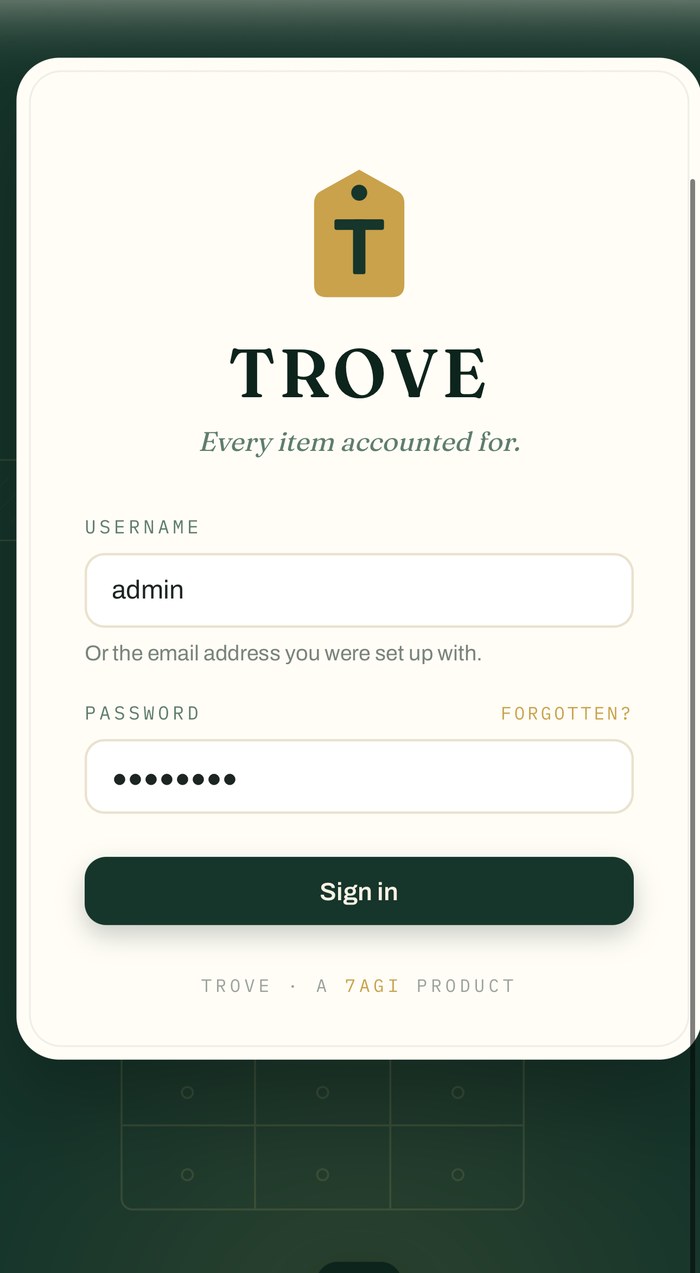
These are actual screens from Trove running on a live property — not mockups.
Who sees what

Three roles, and a register that remembers

A person with a sign-in but no place on the roster sees nothing at all. Beyond that, each role is scoped to what the job actually needs — and the boundaries are enforced on the server, not just hidden in the interface.

Deactivating someone revokes access without erasing what they did: names stay written on the items they logged and the releases they handled, so the register still reads correctly after they have gone.

AdminOwner

Everything a manager has, plus renaming the property and clearing the register.

ManagerDuty manager

Approves disposal, records handovers, edits settings and keeps the roster — but cannot promote anyone to admin, including themselves.

StaffFront desk

Logs items, opens claims and releases to guests. The role most of the team has.

See Trove running on a real property

Fifteen minutes is enough to walk the whole flow — log, claim, handover and disposal — set up with your categories, your bins and your retention.